This documentation applies to the latest version of Flashnote Derby (version 4).
Android users and other users of earlier versions of Flashnote Derby should
look here for help.
Help Center
Turning the sound off and on
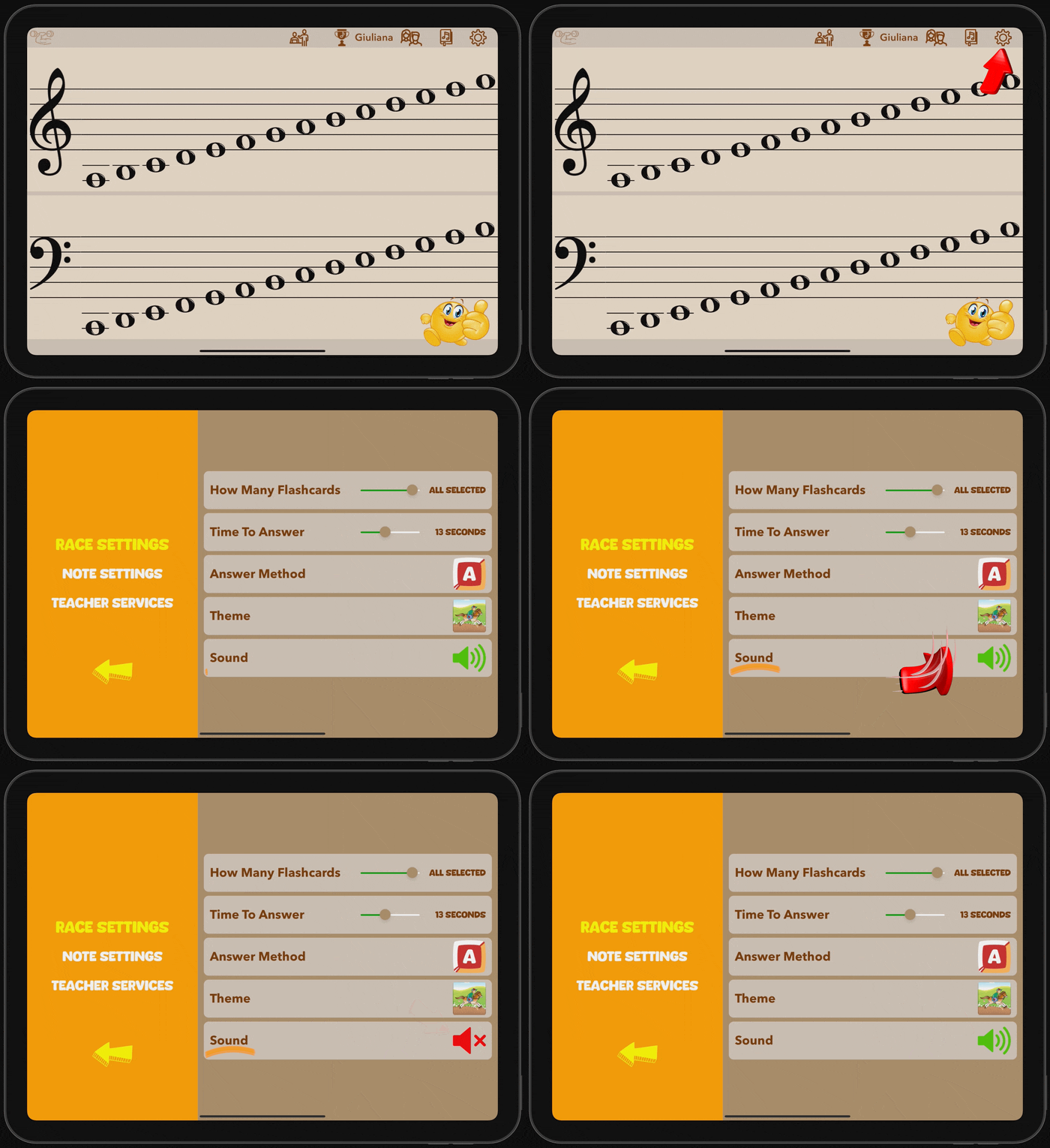
- Start at the main note-choosing screen…
- Tap the settings icon in the upper right to open race settings.
- Tap the audio speaker icon to toggle the sound off and on. The icon will turn red when the sound is off and green when it is on.