This documentation applies to the latest version of Flashnote Derby (version 4).
Android users and other users of earlier versions of Flashnote Derby should
look here for help.
Help Center
Clear all of the notes in a staff (quickly)
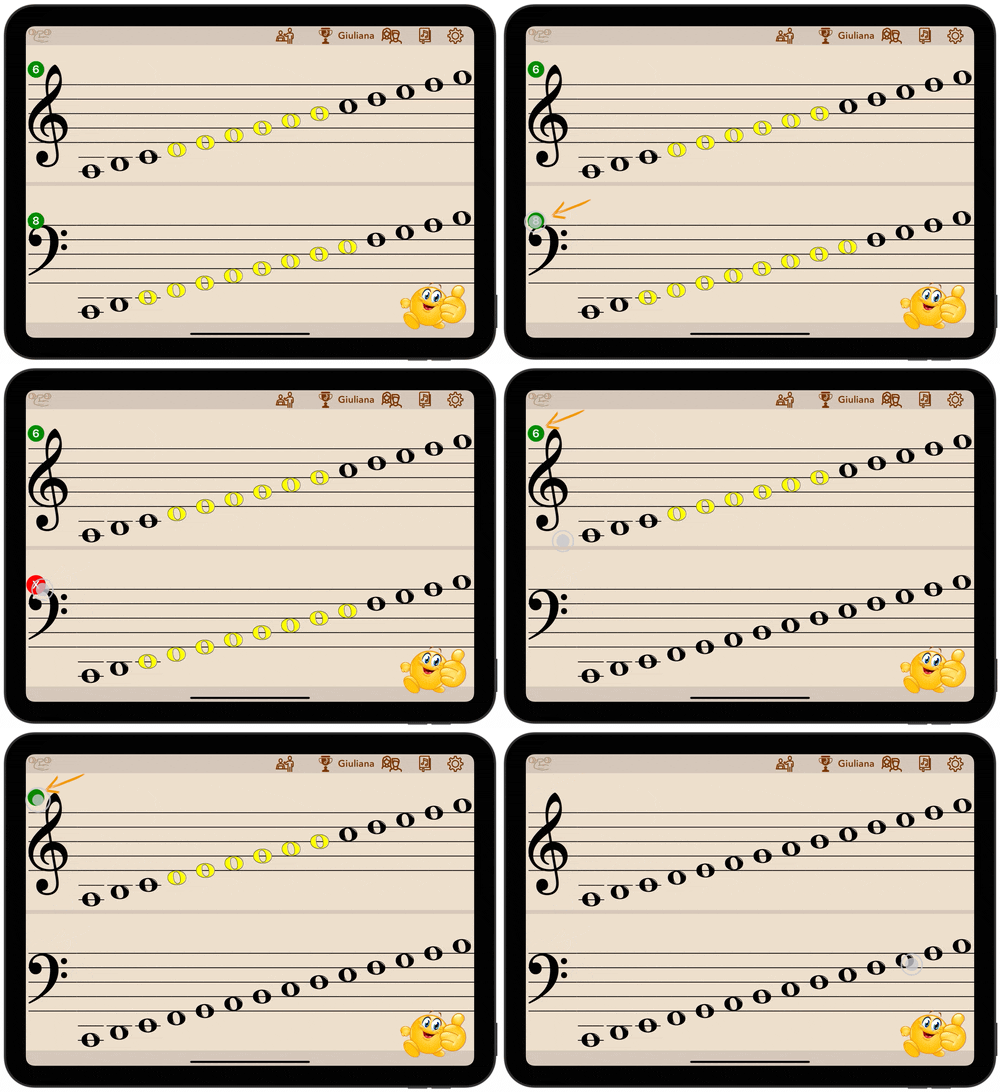
Whenever notes have been selected for a particular clef, a badge appears on the clef showing the total number of notes selected in that staff.
To deselect all of the notes for a given staff at once (on-screen or off)…
- Tap the green clef badge showing the number of notes currently selected.
- After it turns into a red X, tap it again to clear all of the notes in that staff