
Problem
When answering by playing the note on my instrument, the app sometimes marks my answer as incorrect, even if I didn’t play anything!
Solution
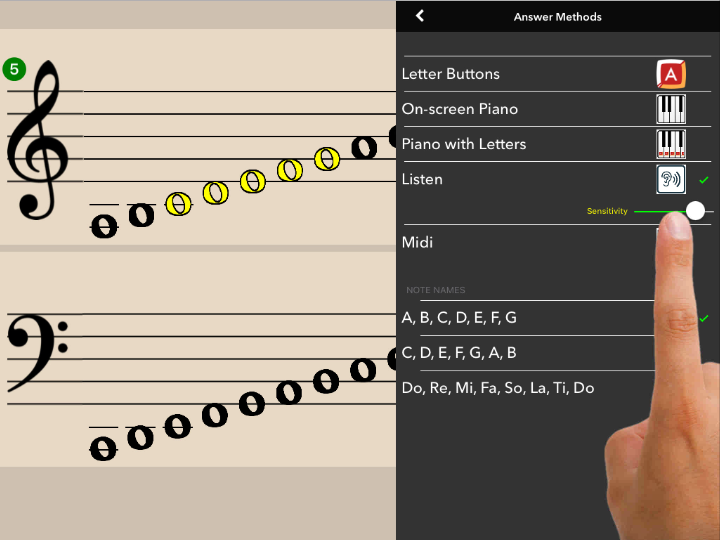
Go into settings and reduce the sensitivity level in listen mode.
If Flashnote Derby is being used in an area that has background sounds and/or the player and teacher wish to be able to converse while playing the game…
try setting the sensitivity level lower (to the left on the slider control). The player will need to hold each note longer and play it a bit louder in order for the app to correctly detect the pitch played.
If Flashnote Derby is being used in a relatively quiet place with little background noise and no conversation going on between the student and teacher…
you can try leaving the sensitivity level higher (to the right on the slider control). The app will respond quickly, even to quietly played staccato notes.
Also, be mindful of stopping the note you are playing after it is recognized by the app. If you keep playing it, it might be interpreted as your answer to the next flashcard.
Tip Experiment with various sensitivity settings to find the best setting for your environment.