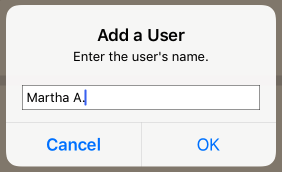
Creating users to track progress Tap the users icon at the top of the screen Tap the + icon to add a user. Enter a name or nickname for the user and tap OK. Return the users menu whenever you need to change the user who is currently playing Flashnote Derby Doc navigation← Accessing notes with many ledger linesTurning the Sound On and Off →